NEW: Use the free Android companion app to transfer your favorite wallpapers to your Android mobile device.

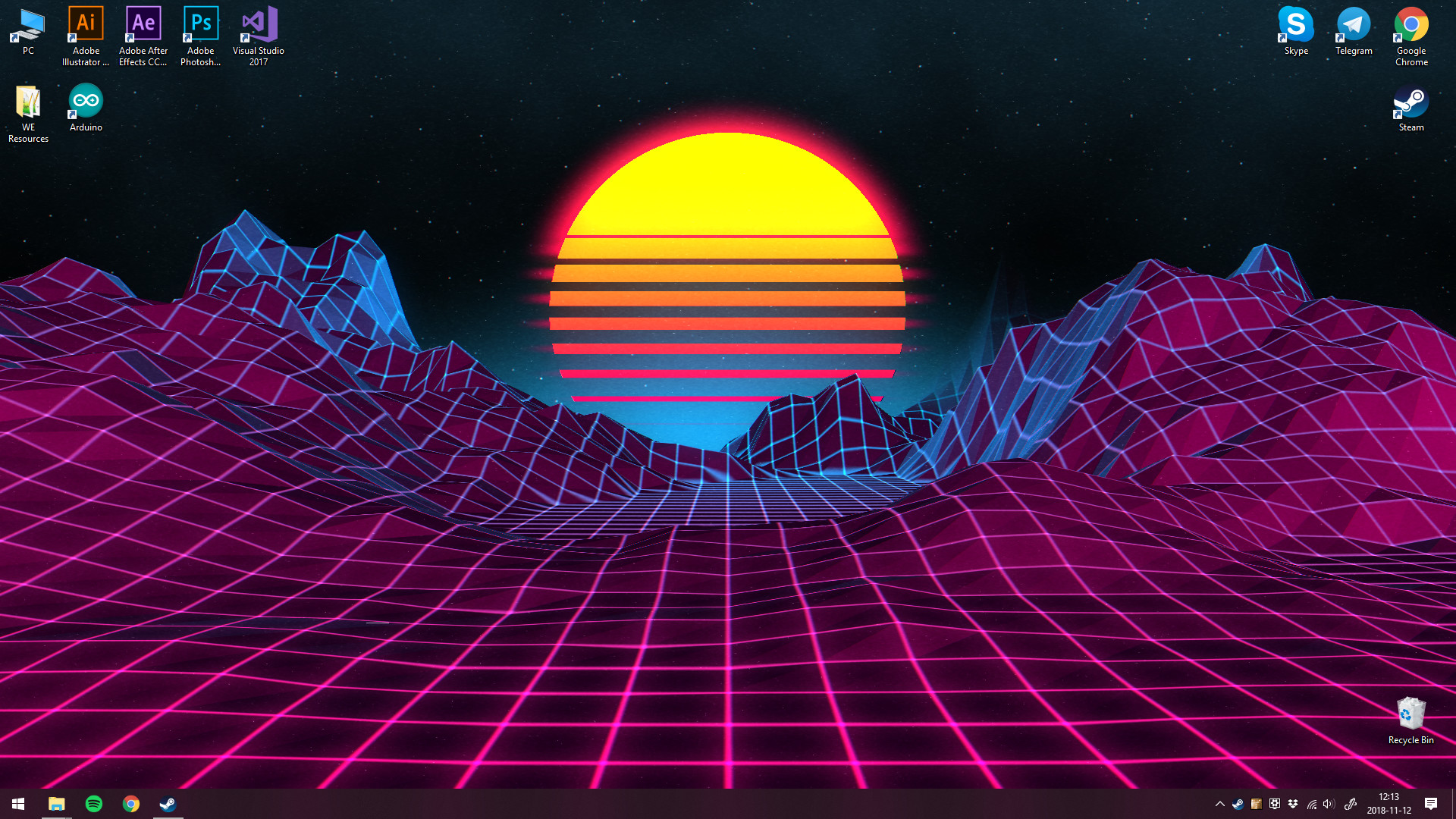
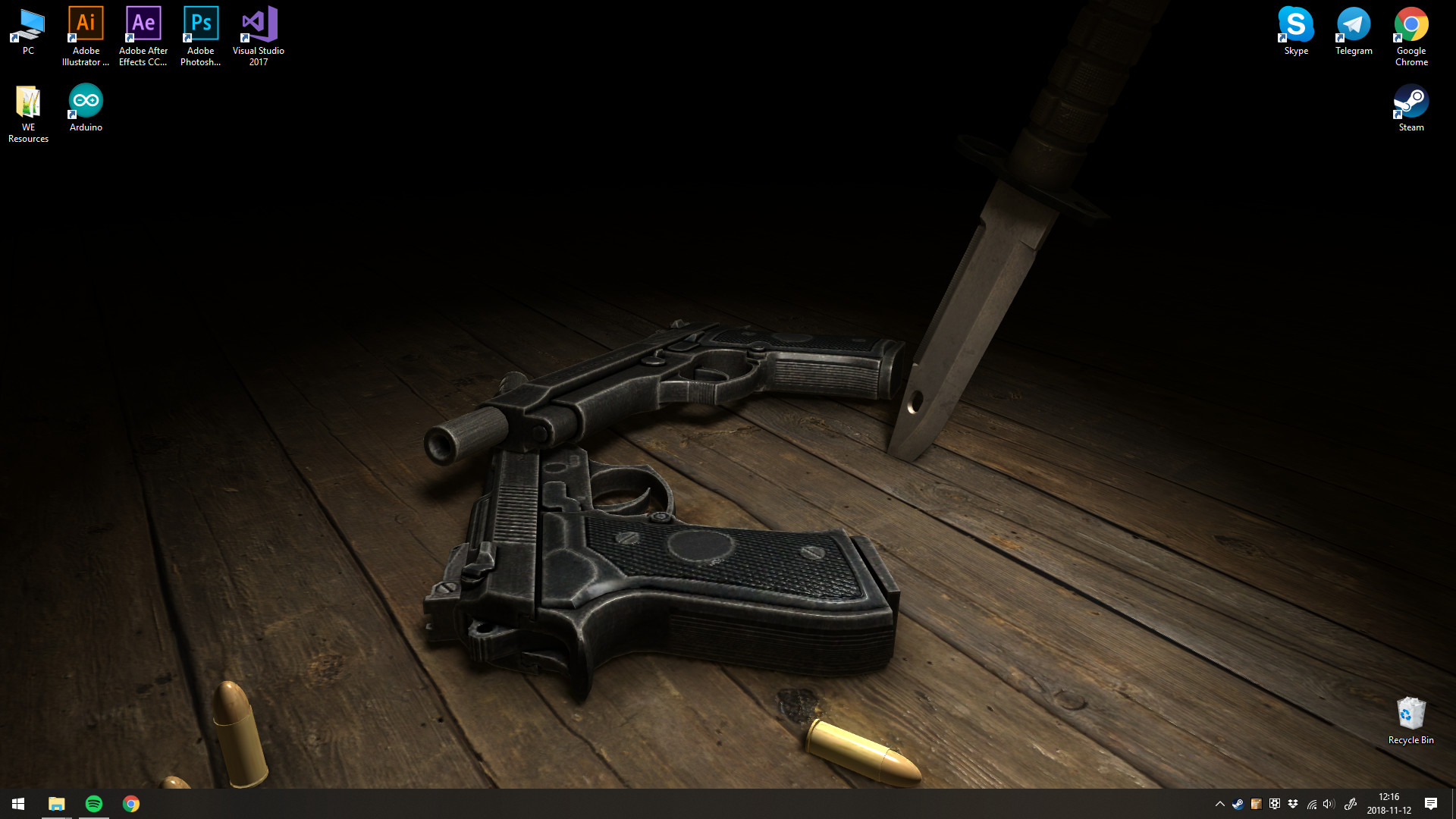
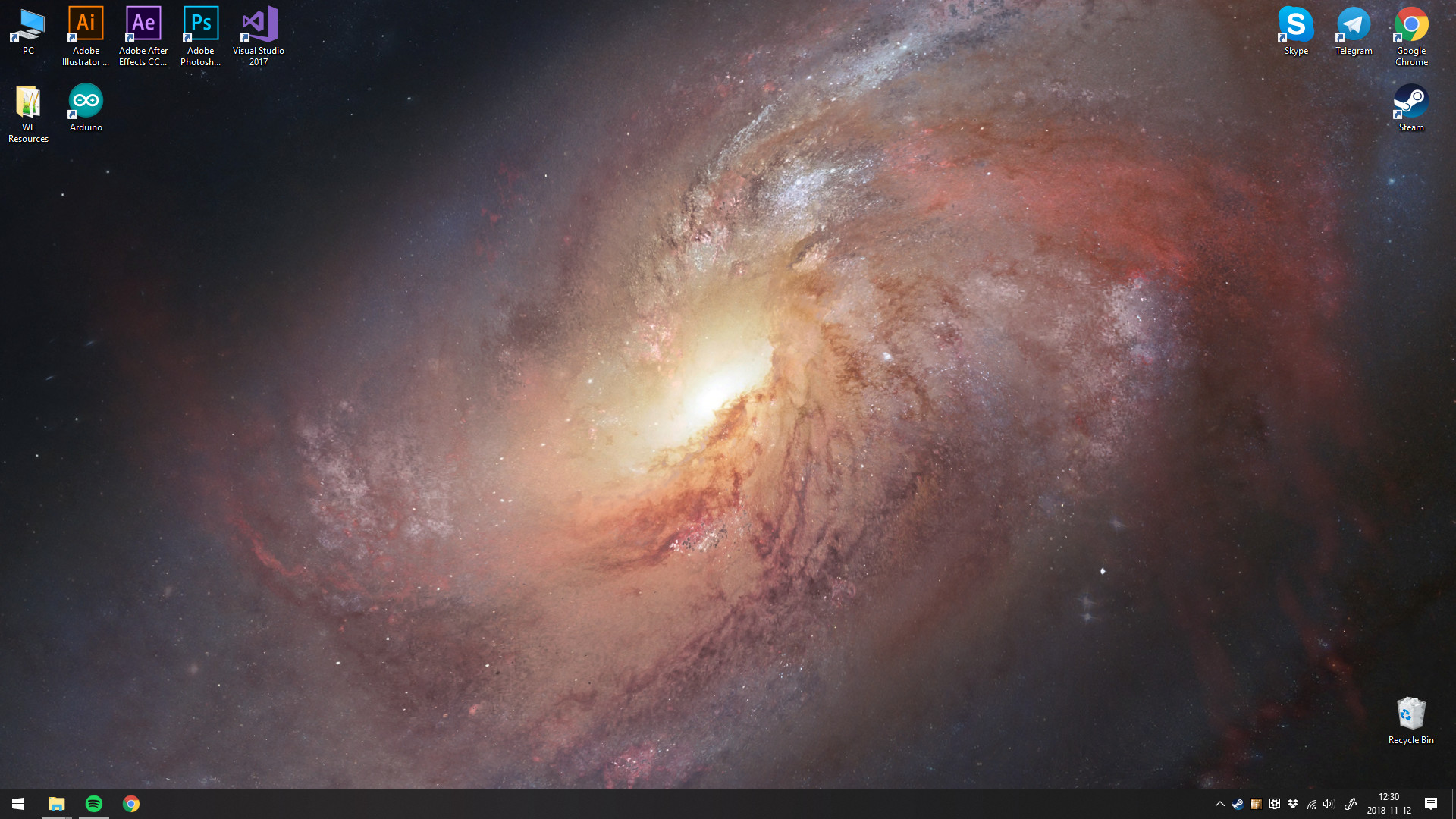
- Bring your desktop wallpapers alive with realtime graphics, videos, applications or websites.
- Use animated screensavers while you are away from your computer.
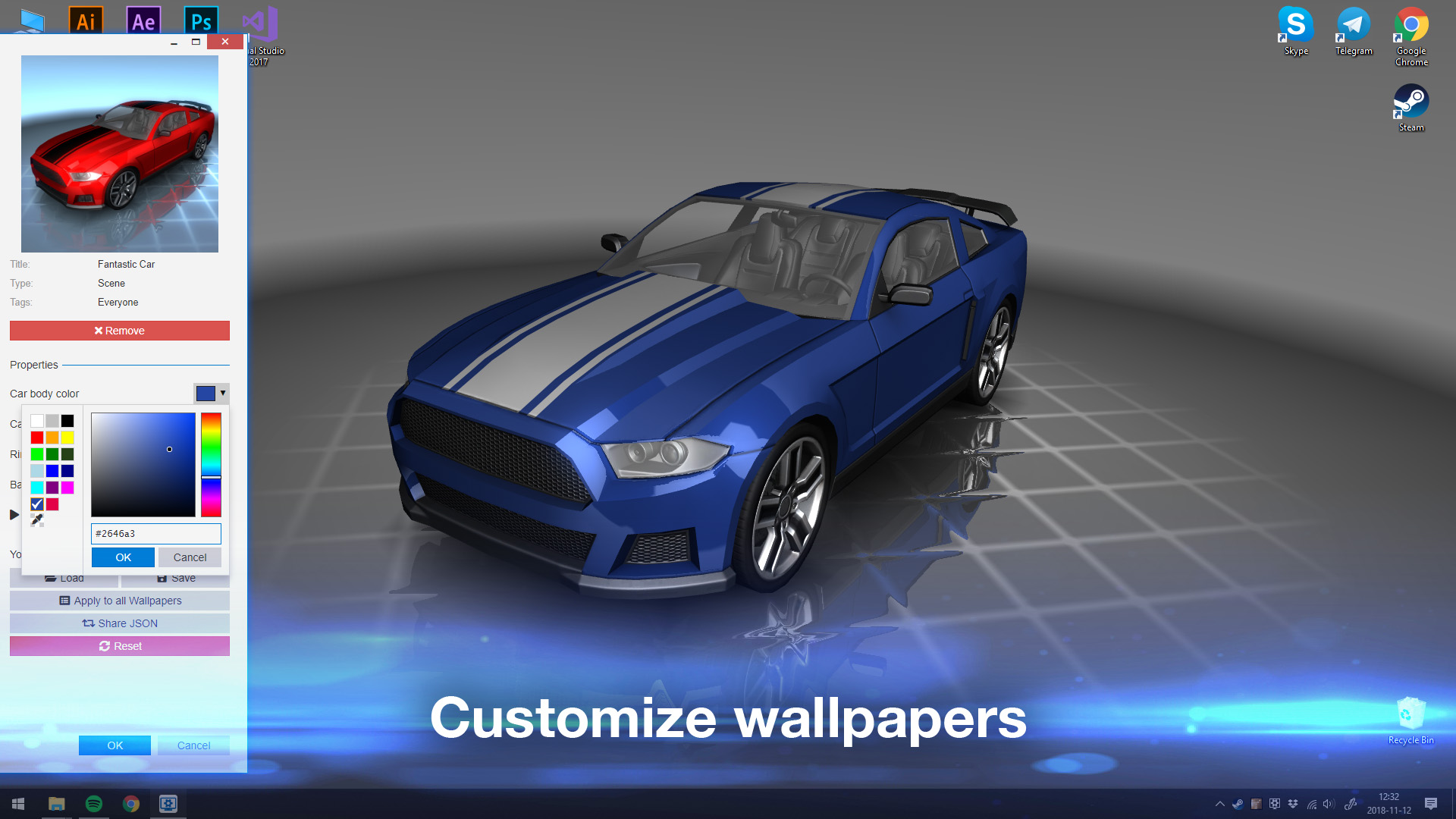
- Personalize animated wallpapers with your favorite colors.
- Use interactive wallpapers that can be controlled with your mouse.
- Many aspect ratios and native resolutions supported including 16:9, 21:9, 16:10, 4:3.
- Multi monitor environments are supported.
- Wallpapers will pause while playing games to save performance.
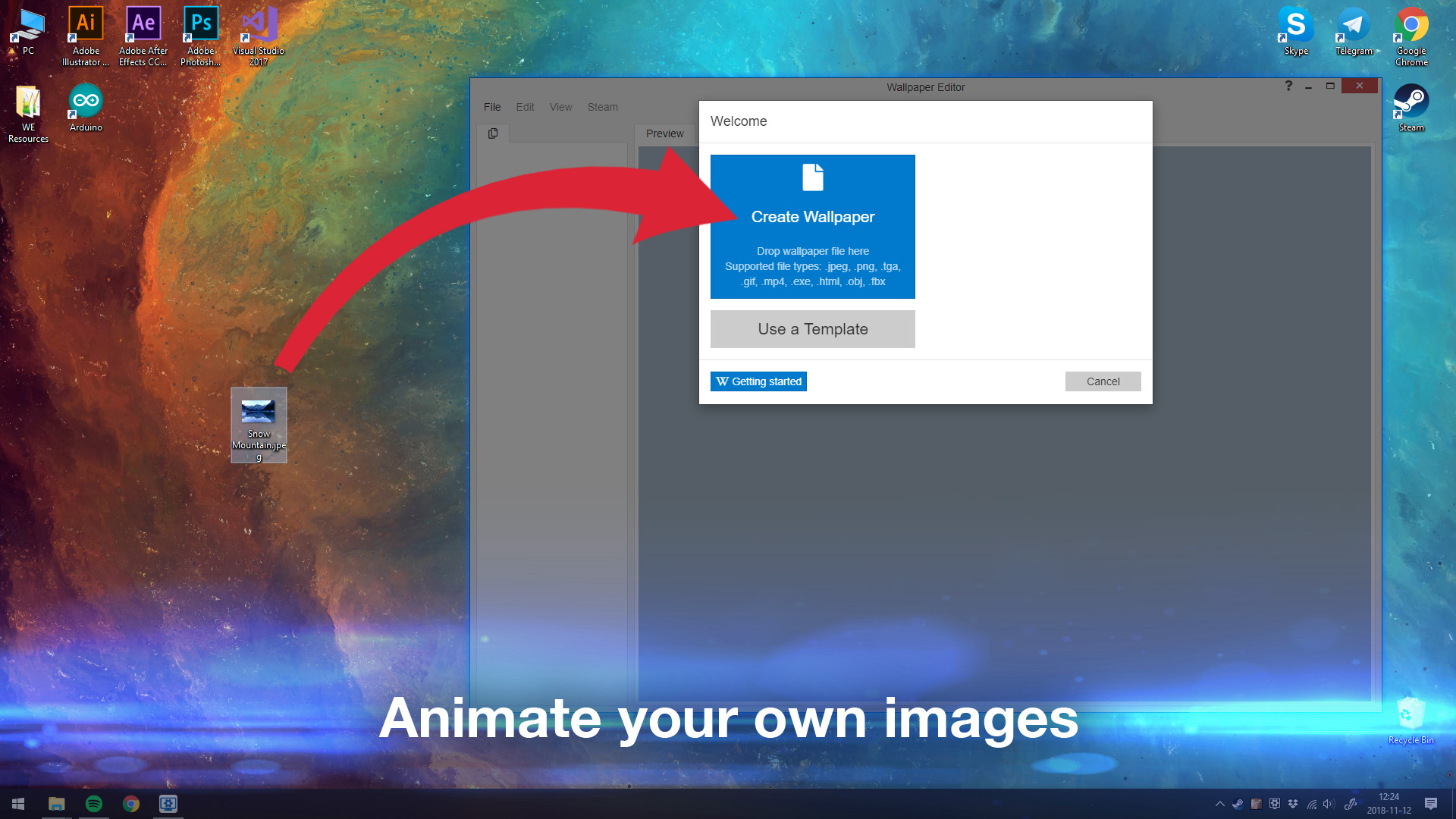
- Create your own animated wallpapers in the Wallpaper Engine Editor.
- Animate new live wallpapers from basic images or import HTML or video files for the wallpaper.
- Use the Steam Workshop to share and download wallpapers for free.
- Wallpaper Engine can be used at the same time as any other Steam game or application.
- Supported video formats: mp4, WebM, avi, m4v, mov, wmv (for local files, Workshop only allows mp4).
- Use the free Android companion app to take your favorite scene and video wallpapers on the go.
- Support for Razer Chroma and Corsair iCUE.
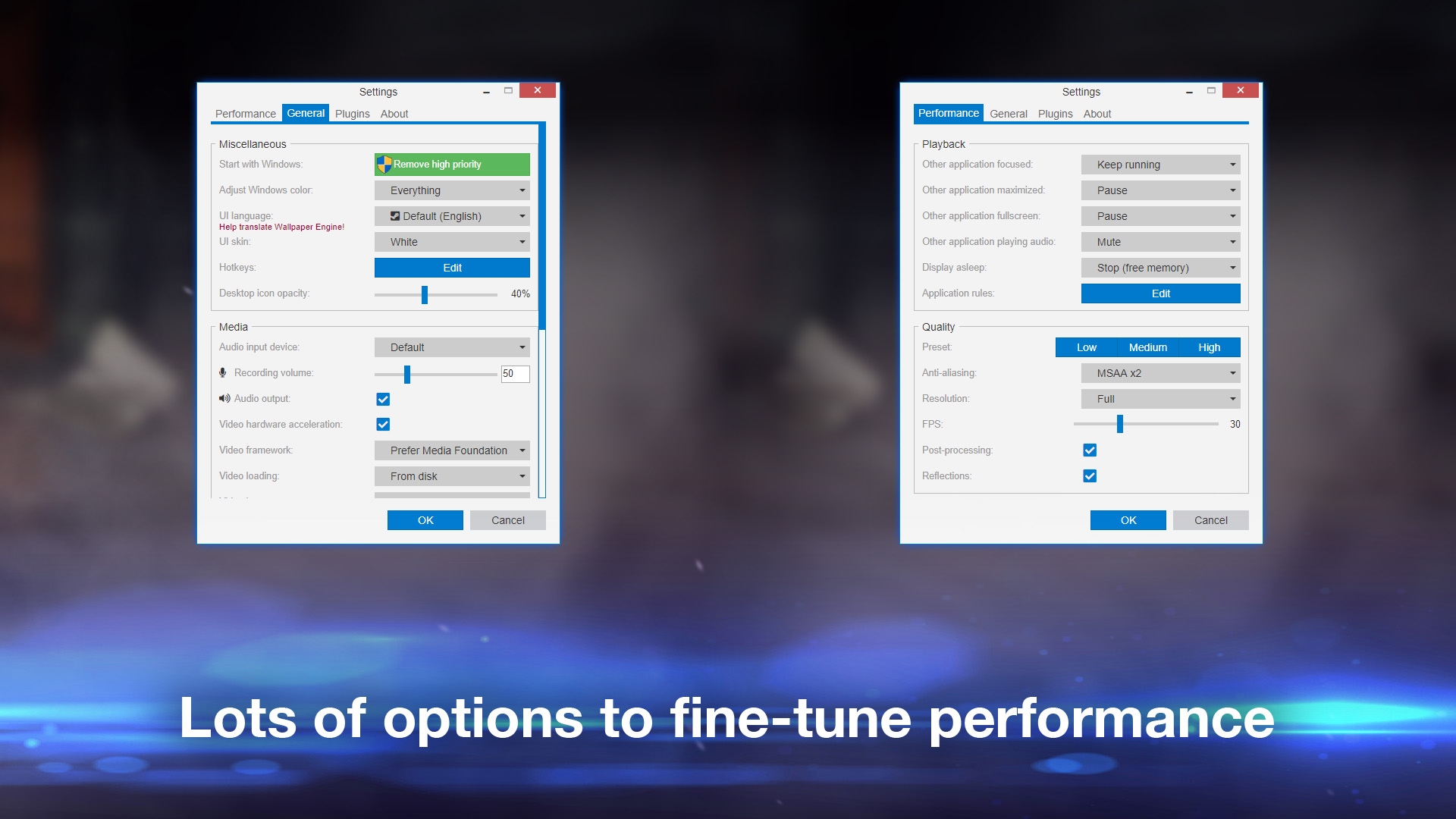
 Wallpaper Engine aims to deliver an entertaining experience while using as few system resources as possible. You can choose to automatically pause or completely stop the wallpaper while using another application or playing fullscreen (including borderless windowed mode) to not distract or hinder you while playing a game or working. Many options to tweak quality and performance allow you to make Wallpaper Engine fit your computer perfectly. As a general rule of thumb, 3D, 2D and video based wallpapers will perform best, while websites and applications will require more resources from your system. Having a dedicated GPU is highly recommended, but not required.
 Choose from over a million free wallpapers from the Steam Workshop with new wallpapers being uploaded every day! Can't find a wallpaper that fits your mood? Let your imagination go wild by using the Wallpaper Engine Editor to create your own animated wallpapers from images, videos, websites or applications. A large selection of presets and effects allow you to animate your own images and share them on the Steam Workshop or to just use them for yourself.