About The Jackbox Party Pack 9
Introducing the ninth installment of the best-selling Party Pack Franchise you know and love! Whether you’re hanging out with friends, having a remote happy hour, trying to make the holidays less awkward, or looking for your next game to stream, The Jackbox Party Pack 9 is here to spice things up.
Let’s keep it simple. You don’t need extra controllers for extra players - everyone uses their phones or tablets to play! Games support up to 10 players and 10,000 audience members joining in the fun to impact the outcome of the game.
The Jackbox Party Pack 9 is in English only at launch but a patch is coming soon with French, Italian, German, and Spanish localization. This game does not support online matchmaking but can still be enjoyed remotely using livestreaming services or video conferencing tools.
About Each Game
Fibbage 4
(2-8 players) - The hilarious bluffing party game returns with an all new Final Fibbage, video questions, fan-submitted questions, and Fibbage Enough About You mode! It’s a game so beloved that we decided to slap a 4 on it.
Quixort
(1-10 players) - In this trivia sorting factory, work with your team to sort falling answers into their proper order before they hit the floor! Or, play the single player mode and see how many blocks you can sort before topping out. It’s as easy as A, C, B!
Junktopia
(3-8 players) - A strange wizard has turned you into a frog! Create hilarious backstories for weird objects and then get them appraised. The player with the most valuable items becomes human again!
Nonsensory
(3-8 players) - Professor Nanners is here to test your NSP (Nonsensory Perception) in this drawing, writing, and guessing game! How close can you get to guessing where another player’s prompt ranks on the silliest of scales?
Roomerang
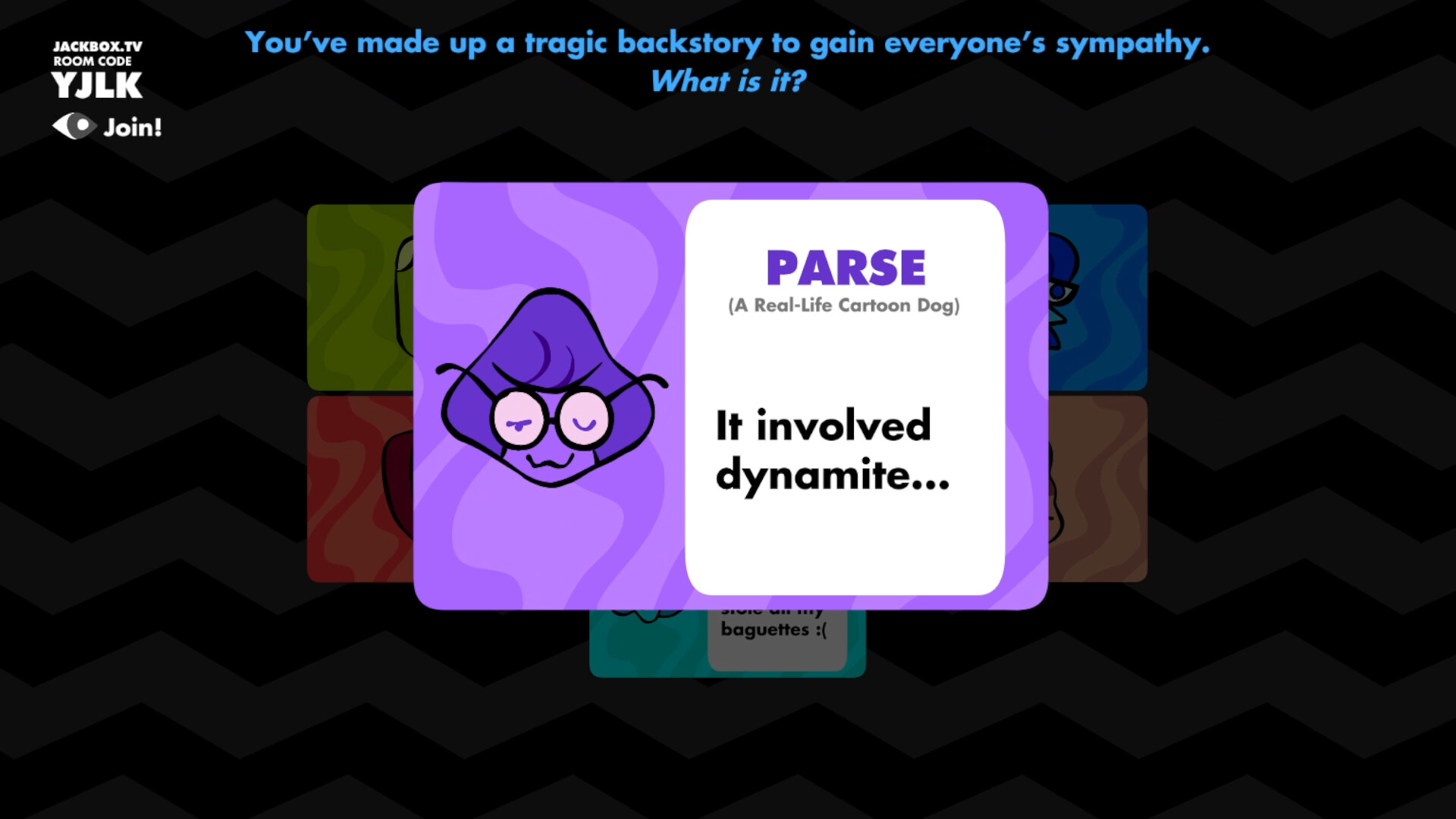
(4-9 players) - Channel your inner reality TV star in an attempt to come out on top! Respond to prompts, bring the competition and role-play to avoid being voted out. Never fear though, even when you’re out you’ll find yourself Roomerang-ed right back into the drama!
How to Play Remotely
In The Jackbox Party Pack 9, players use any web-enabled device (like a smartphone or tablet) to join the game and play along. When playing with remote players, you can use a video conferencing tool like Zoom, Steam Broadcast, Google Hangouts, Discord, and more to connect with others! Just share your screen while on a call and make sure you look for prompts to share audio.