ไอดีเกม Malus Code - Steam มือสอง ราคาถูกที่สุด เริ่มต้น   เปลี่ยนอีเมลได้ เล่นได้ทั่วโลก รับประกัน 30 วัน รับของในทันที

MALUS CODE

คีย์เกม Malus Code - Steam ราคาถูกที่สุด 500 THB เล่นได้ทั่วโลก เติมเข้าไอดีตัวเอง รับประกันถาวร

คีย์เกม Malus Code - Steam ราคา 500 THB รับประกันถาวร ราคาถูกที่สุดในไทย ส่งไวในทันที 24/7 รับบัญชีเกมภายใน 1-2 นาที. เติมเข้าไอดีตัวเกมได้ รับประกันถาวร สามารถชำระเงินผ่าน Promtpay, Truewallet steam key Malus Code ราคาถูก, คีย์ steam Malus Code ราคาไทย, steam Malus Code cd key ถูกที่สุด, steam Malus Code activation key, ซื้อคีย์เกม steam Malus Code ออนไลน์, steam Malus Code game code thailand, เติม steam Malus Code ด้วยคีย์, steam Malus Code license key ราคาถูก, steam Malus Code key global ใช้ได้ทั่วโลก, steam Malus Code product key แท้, cd key steam Malus Code pc, คีย์เกม Malus Code ราคาถูก 2024, steam Malus Code digital key, steam key Malus Code instant delivery, steam Malus Code key ราคาไทย, ซื้อคีย์เกม Malus Code, steam Malus Code key ส่งเร็ว, steam Malus Code activation code thai, เติมไอดี steam Malus Code, steam Malus Code redeem code, steam key Malus Code asia

แพลตฟอร์ม

Steam logo STEAM

ภูมิภาค

ทั่วโลก

ประเภท

CD-KEY

การรับประกัน

รับประกันถาวร

0 ขายแล้ว

0 เข้าชม

฿ 500.00

รายละเอียดสินค้า

สิ่งที่คุณจะได้รับหลังจากการซื้อสินค้า

  • - คีย์สินค้า สามารถเติมเข้าไอดีตัวเองได้ทันที

Fixed the bug in which the save data was in the same folder as Tokyo School Life's save data.

To restore your save data for Malus Code, please follow these steps: 1. Go to C:\Users\(PC name)\Documents\M2\ and backup the folder named “TSL”, and also the “MC” folder if it exists. 2. Make a duplicate copy of the previous save data folder: C:\Users\(PC name)\Documents\M2\TSL 3. Rename the copied folder to C:\Users\(PC name)\Documents\M2\MC (If the MC folder already exists, please delete the existing folder before renaming.) 4. Start up Malus Code and continue playing as usual. If you have previous save data from our other game, Tokyo School Life, the TSL save data may still be displayed in Malus Code. You can remove those saves by overwriting them, or just deleting them after following the above steps. The same applies to if Malus Code save data is displayed in Tokyo School Life. Thanks for you playing, and we’re very sorry for the inconvenience caused by this bug.


Patch Notes: Malus Code Ver 1.02

We enclosed a complete save file for Tokyo School Life in Malus Code Ver 1.02. This is a save file for Tokyo School Life that unlocks all of the content in the Extra menu, meant for those who lost their data due to the bug in Malus Code Ver 1.00. ・ Do not use this save data for Malus Code. ・ You will overwrite TSL's save data file (data_000_0000.bin), so please back it up in a safe location first. 1. Go to C:\Users\(PCname)\Documents\M2\TSL\savedata 2. Rename the existing data as follows: Rename data_000_0000.bin to data_000_1111.bin 3. Locate the following file in the directory you installed Malus Code in (default path shown below): C:\Program Files\Steam\SteamApps\common\Malus Code\windata\tsl_complete_savedata\fdata_000_0000.bin Copy fdata_000_0000.bin to the following folder: C:\Users\(PCname)\Documents\M2\TSL\savedata Then rename it to data_000_0000.bin 4. Done! Note: This will only effect the content in the Extra menu (music jukebox, gallery), so your save slot usage will remain the same as before.


About the Game

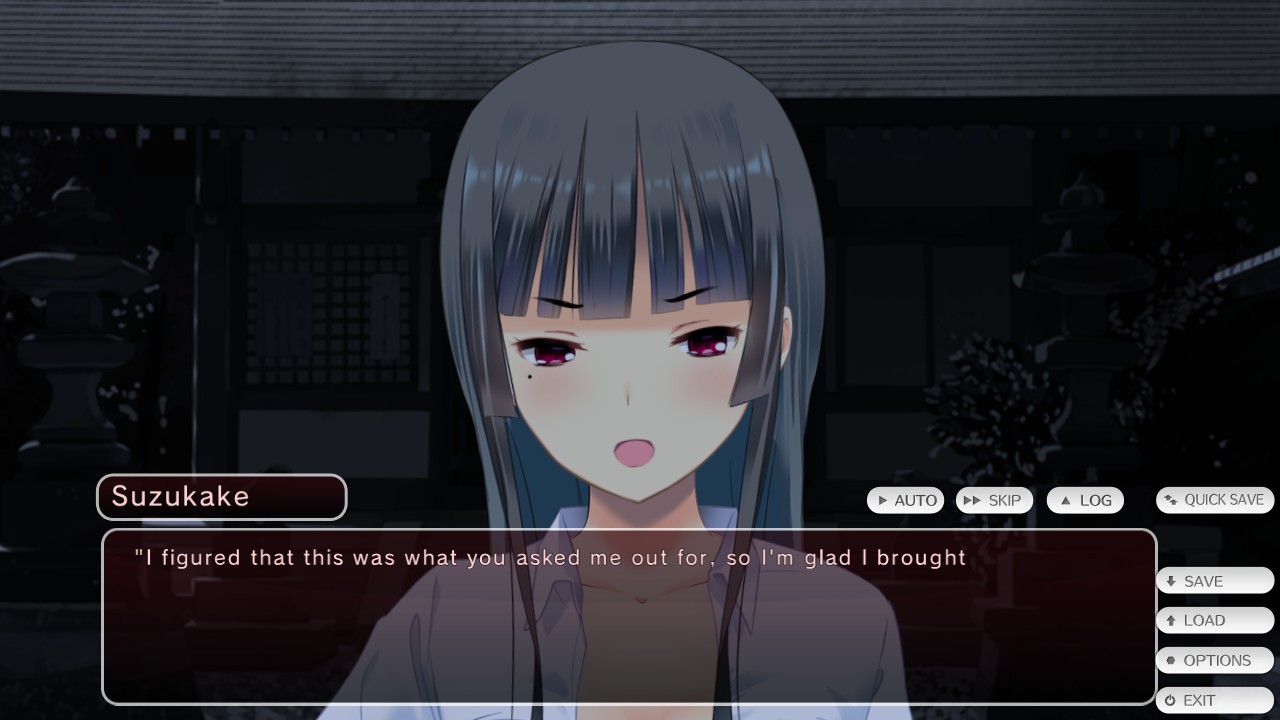
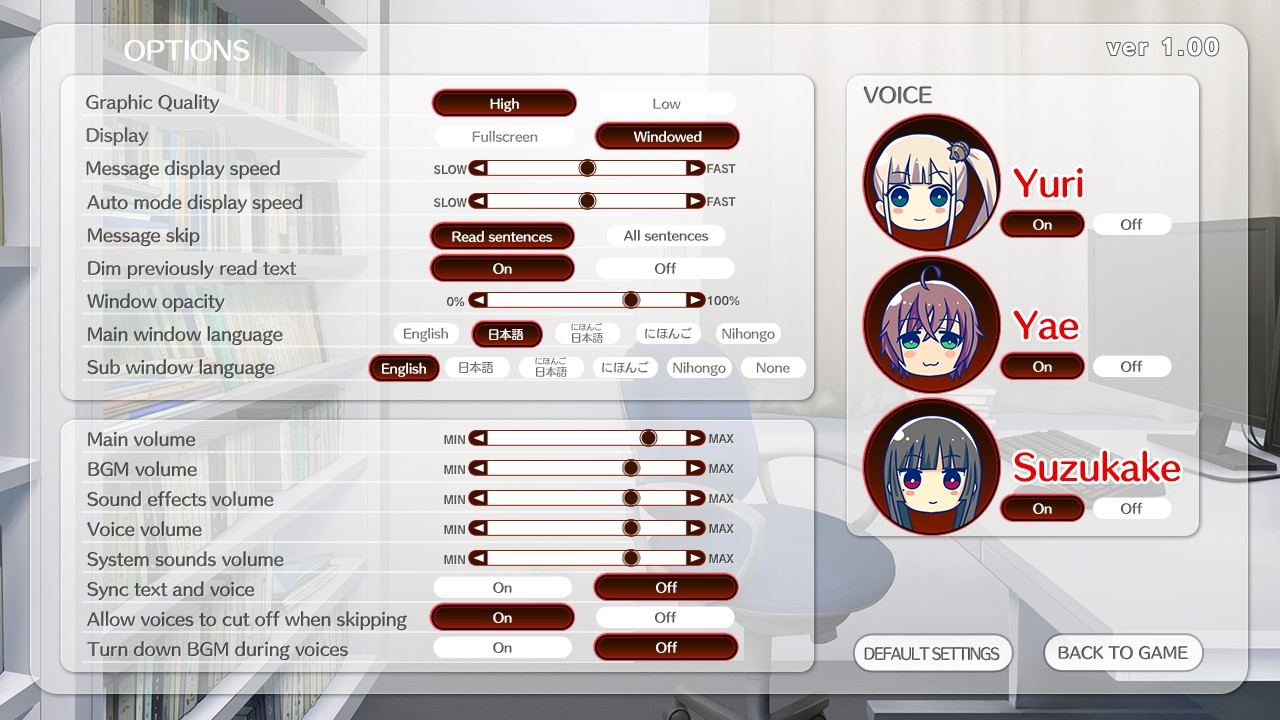
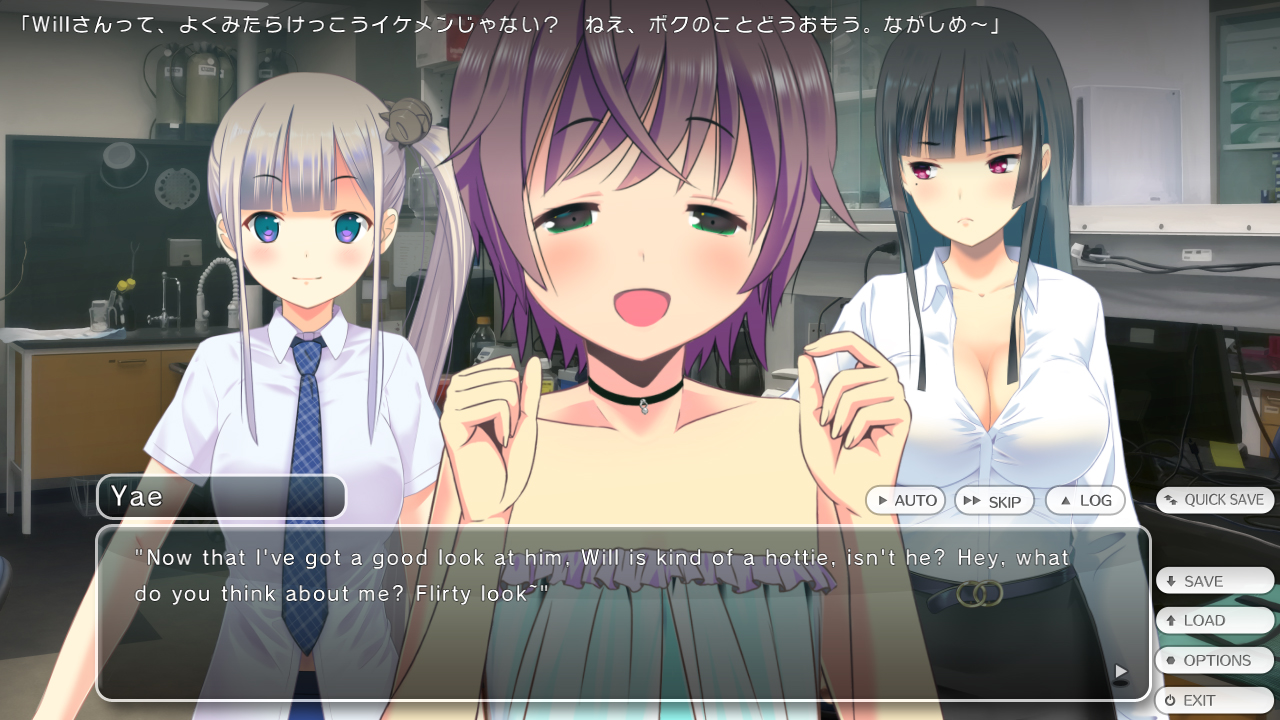
- Malus Code - Do you like extreme situations? In order to study thermophiles that prefer high temperatures, Will decides to study at a university in Japan due to the many hot springs there. Amidst the cherry blossom trees, he encounters three partners in his lab. How will they spend their time together, and what conclusion will they reach? You have to see for yourself. - Romance Adventure Kinetic Novel (with horror elements) - Japanese voice acting (3 main characters, not including the player.) - Fluid animation using E-mote (Animation produced by the creators of E-mote, M2 Co., Ltd.) - Japanese vocal opening theme - Text can be displayed in English, Japanese (with furigana), Japanese (without furigana), hiragana, and romaji (alphabet), which can be useful for studying Japanese at various skill levels. We have a facebook page. Check it out please! https://www.facebook.com/DogenzakaLab/