Just Updated
- 1 Click "START RANDOM GAME" functionality!
- Works extremely well with Battle Royale games!
- CPUCores fully supports VR-based games!
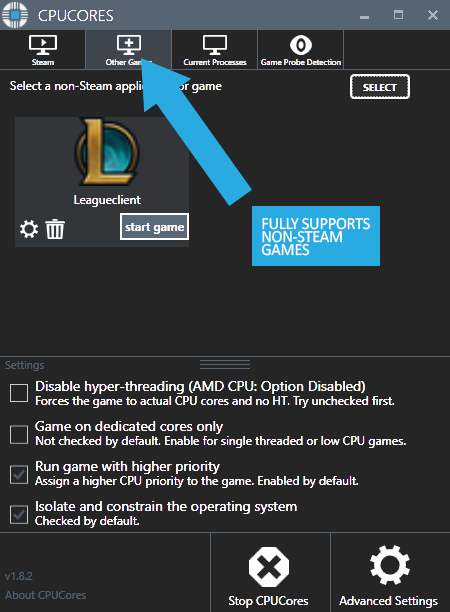
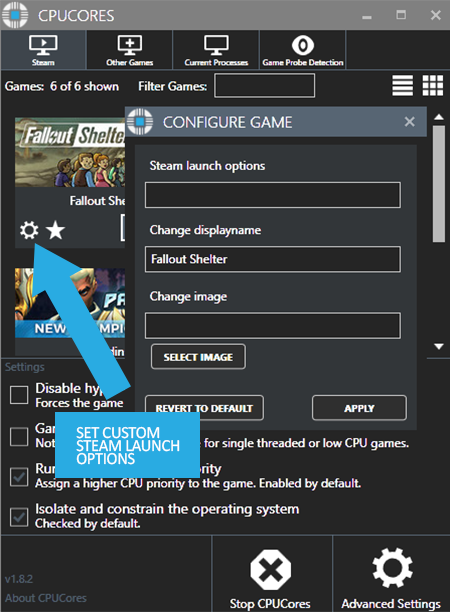
- Fully supports Steam-based games as well as non-Steam games and applications!
About the Software

CPUCores is a cutting-edge Windows based software built by gamers, specifically for gamers, with 1 thing in mind: INCREASE YOUR FPS! CPUCores does this by micromanaging your Windows OS and non-essential applications to delivery maximum CPU to your game!

1) DIRECT STEAM INTEGRATION
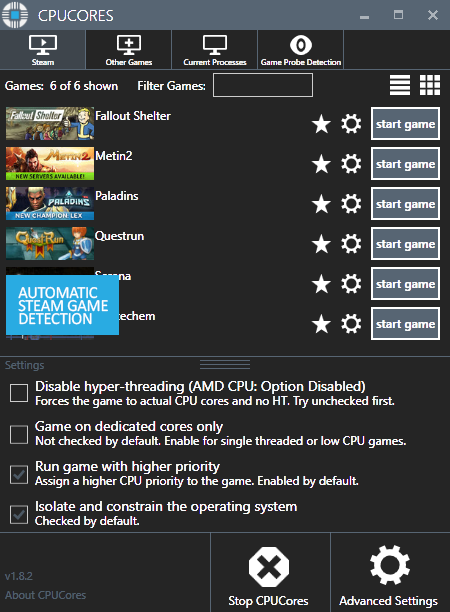
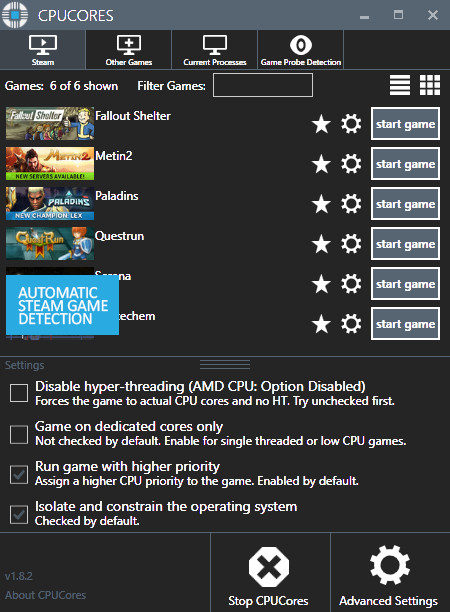
- CPUCores automatically detects all of your Steam games.
2) OS OPTIMIZATION
- To start, CPUCores will isolate your entire OS to your first core.
- Secondly, CPUCores examines and constrains key Windows services that are not essential and known to hog CPU resources.
- Third, CPUCores examines and isolate key Windows processes to ensure a perfect balance of CPU savings without starving key Windows processes.
3) GAME OPTIMIZATION
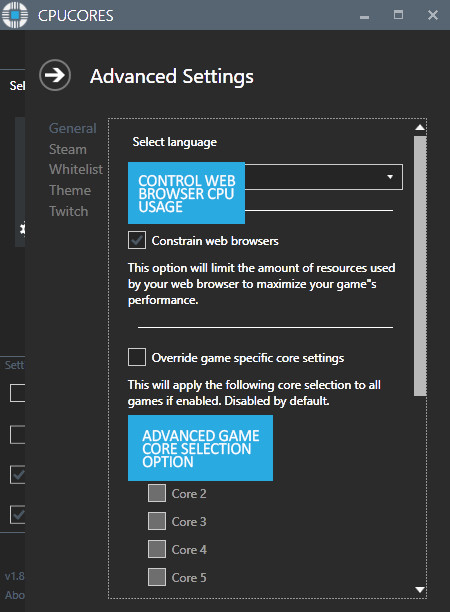
- CPUCores will isolate and dedicate processing cores to be exclusively used by your game.
- CPUCores will allow game-specific hyper-thread disabling/enabling.
4) BACKGROUND / NON-GAME OPTIMIZATIONS
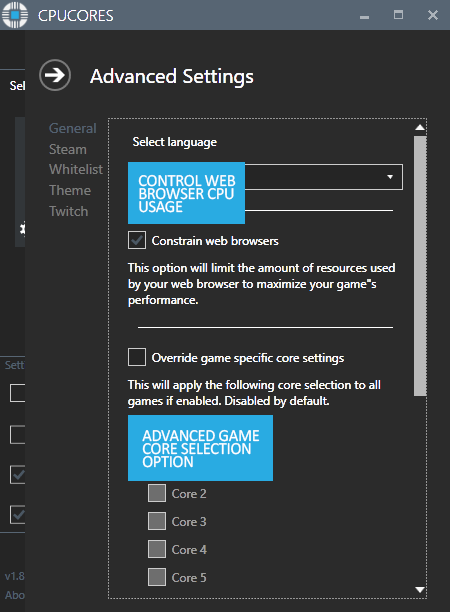
- CPUCores examines what non-OS and non-game operations your PC is running. It will do things such as constrain non-game programs to your first processing core.
5) EXTRAS
- Ability to "START RANDOM GAME" with 1 button click!
- Fully supporting VR games!
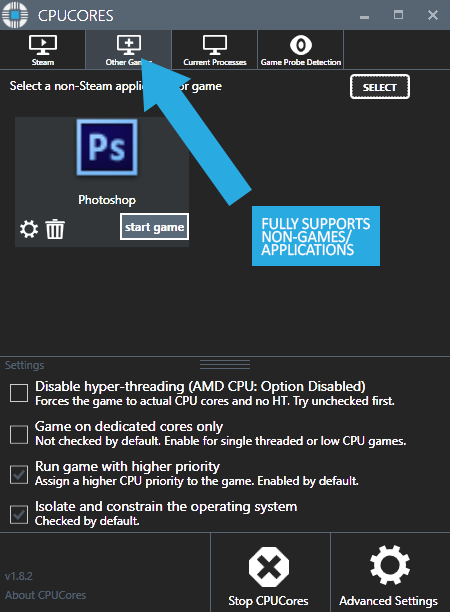
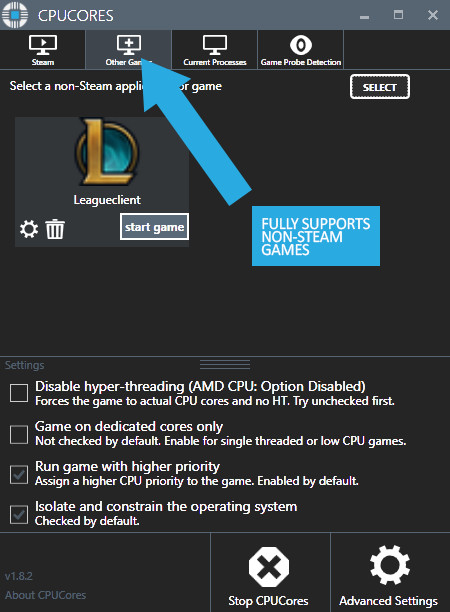
- Support for non-Steam games
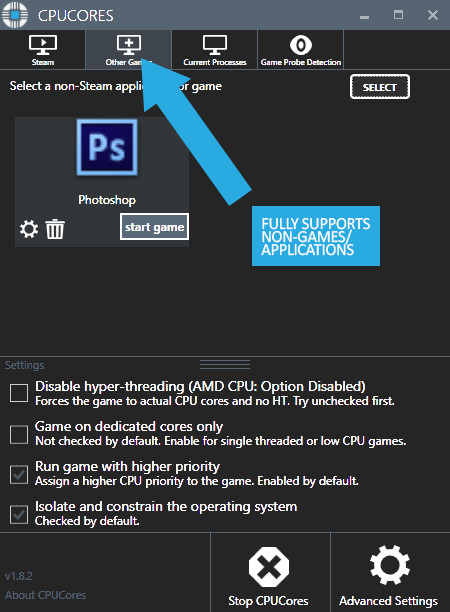
- Support for general, non-game applications like video editing, graphic design and more!
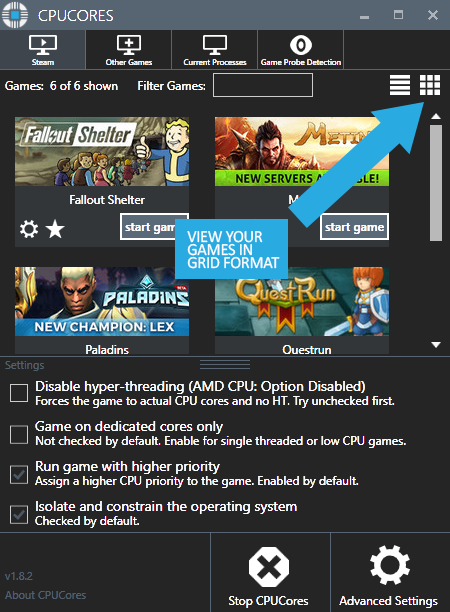
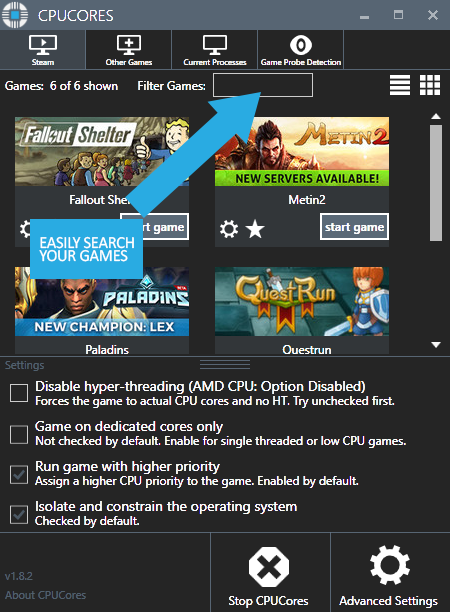
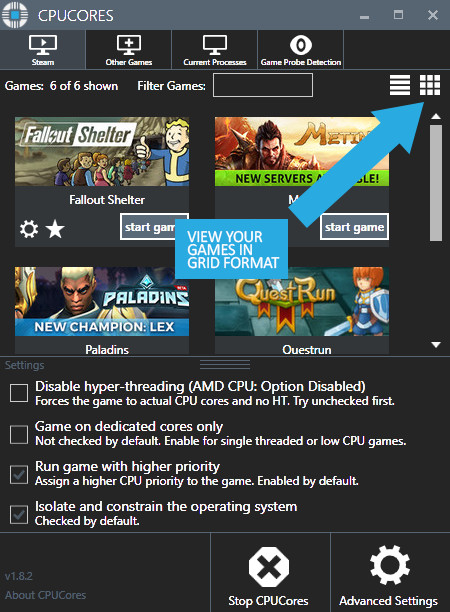
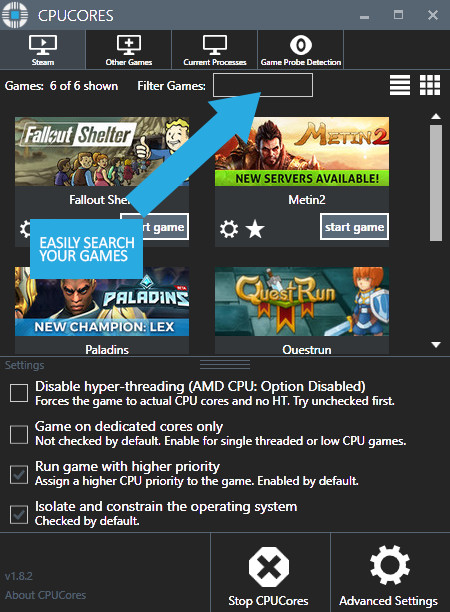
- Convenient game sorting options makes large Steam libraries manageable
- Incredible community surrounding the software!
- Direct contact with the developer for suggestions on feature updates!

The impact of how CPUCores will help with FPS depends on essentially 2 things:
#1 Your PC Hardware
#2 The game itself
Here are some benchmarks we've recently seen from our test system:
- ARMA III - 17.5% FPS Increase!
- Team Fortress 2 - 58% FPS Increase!
- TombRaider - 6.3% FPS Increase
- Left4Dead2 - 14% FPS Increase

The CPUCores application identifies dozens of Windows programs, background processes, and non-gaming applications, and immediately controls and isolates them to a subsection of your total CPU resources.
CPUCores will then free up a block of CPU resources and dedicated it specifically for a game. You can then launch a Steam game, or any game/program, directly via the CPUCores application. This enables CPUCores to control the processor usage for that game/program and ensure it has dedicated usage to processing cores. Your game no longer has to share resources with the OS / other applications.
SCREENSHOTS