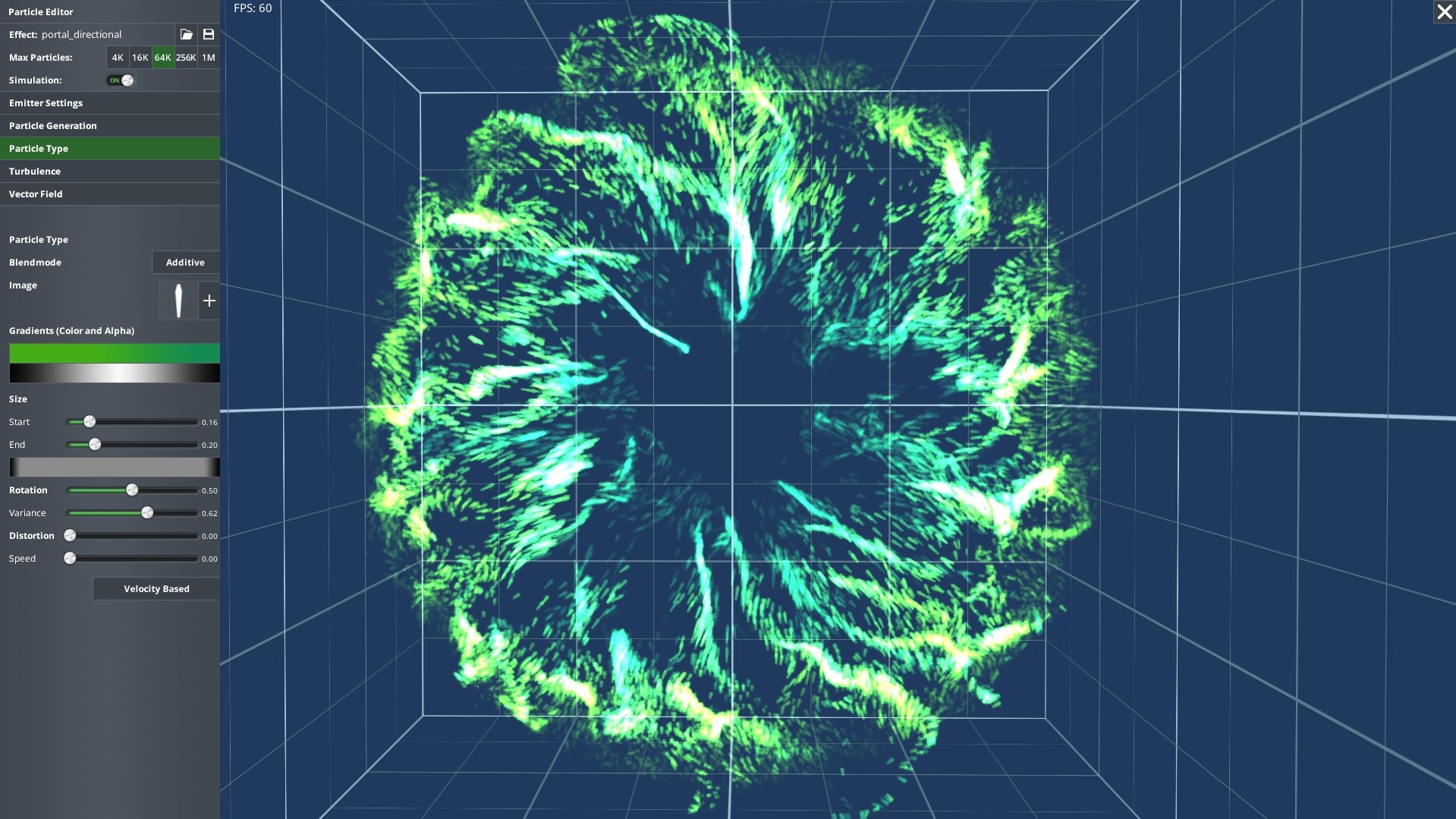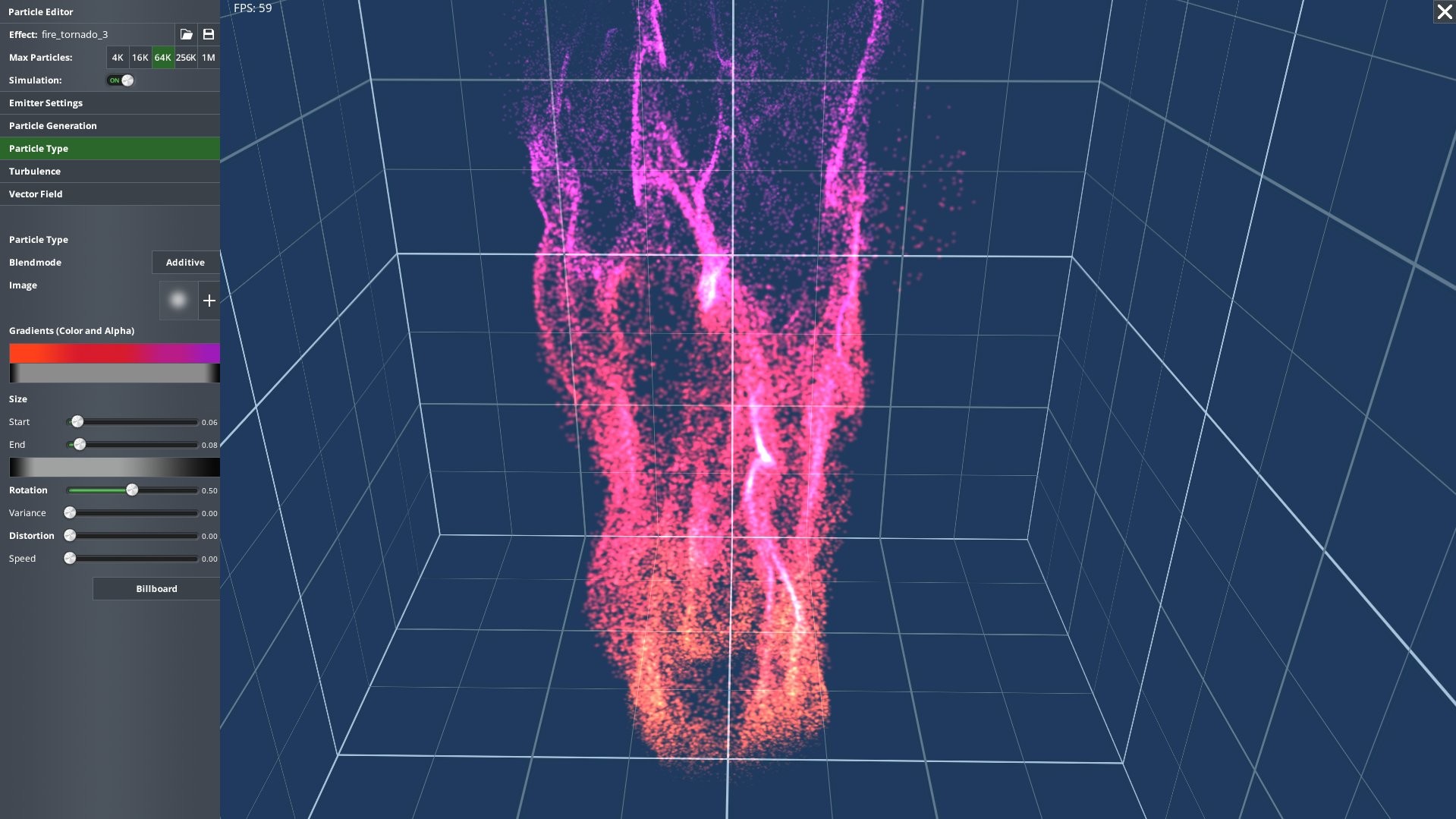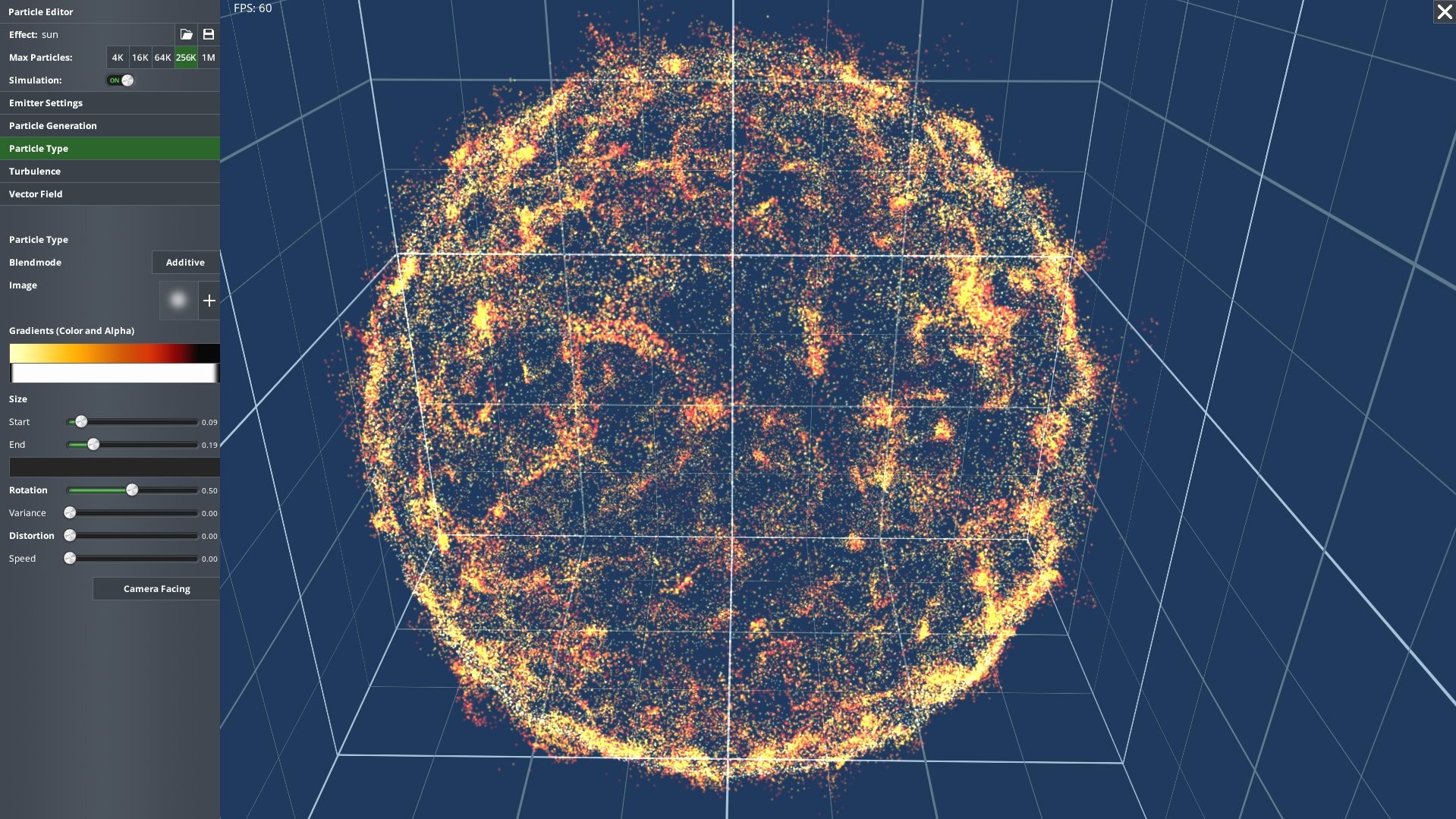
The AppGameKit Studio Particle Editor is compatible with AppGameKit Studio and AppGameKit Classic.
The editor provides tools for controlling all the essential effect parameters and lets you create particle movement and flows visually without the need for programming or complex formulas.
Particles can be controlled and moved by building a layered stack of influencer effects such as reflectors, swirls, forces and attractors.
There's also a special paint layer with which you can freely paint particle movements (speed and direction) in the 3D space surrounding the emitter. This allows for instant visual feedback and an iterative and artistic way of building your game effects.
You can load (or use the included) particle images and gradients to shape and colour each particle throughout its lifetime.
Once an effect is finished, you can export it and use it in your AppGameKit projects with the run-time code that adds the GPU particle functionality.
Initialising the system and loading effects is very straight forward and you also get access to functions that let you control most of the effect settings in real-time if desired.
The editor comes with over 150 pre-made effects which can then be further tweaked and changed in the editor.
Features
- Paint layer provides a very simple to use artistic approach for painting particle flow-directions interactively
- Simple to use run-time for AppGameKit Studio and AppGameKit Classic apps projects
- User controllable max particle counts (4K, 16K, 64K, 256K, 1M) so effects can be fine tuned for different hardware specs
- Run-time option to load an effect with a reduced particle count
- Freeze the simulation to inspect the currently displayed effect
- Flexible emitter functionality with several emitter types (box, circle, disc, filled sphere, spherical shell, line)
- All emitter shapes can be fine tuned (size/radius, rotation and position)
- Run-time control over the effect's position - reuse the same effect in different places in your games
- Emitters can be activated and deactivated in the editor and at run-time
- Variable emission count can be auto-optimised to have as many particles on screen as possible
- Burst emitters for explosions and sparks
- Full control over for how many frames an emitter creates particle before going dormant
- Specify the initial speed of particles and any random variance setting
- Particle blend modes supported (opaque, alpha, additive)
- Several particle textures are included for common effects
- Custom textures supported
- Particle tinting can be easily controlled for the particles lifetime by using gradients.
- Custom gradient textures are supported
- Particle orientation methods supported include, camera facing, billboard, full 3D rotation, movement speed oriented
- Control the size of each particle at the start and at the end of its lifetime
- Turbulence system for adding natural looking randomness to the effects
- Custom noise textures are supported for turbulence
- Turbulence field can be translated and rotated at run-time
- Layered vector field system for controlling overall particle movement and flows
- Shape based layers can add localised directional forces, attract/repel or swirl particles
- Reflector system that can be used to bounce particles off floors and walls