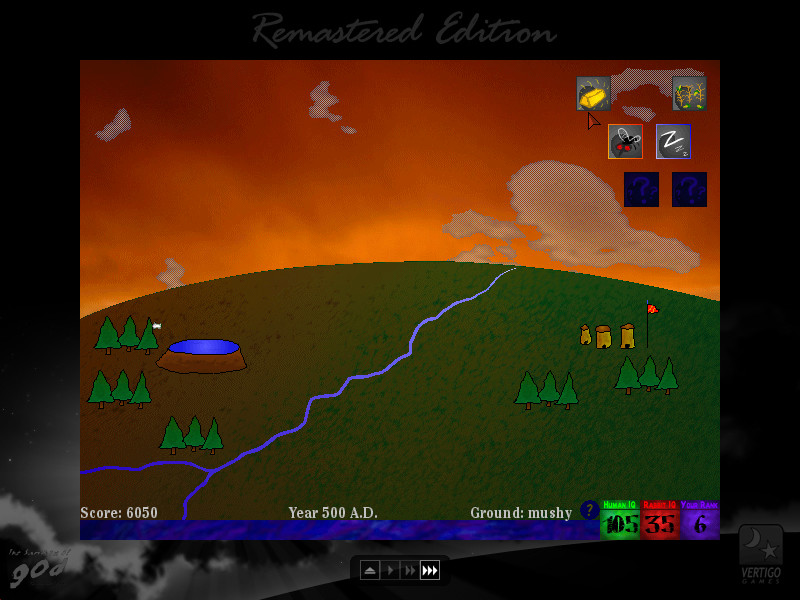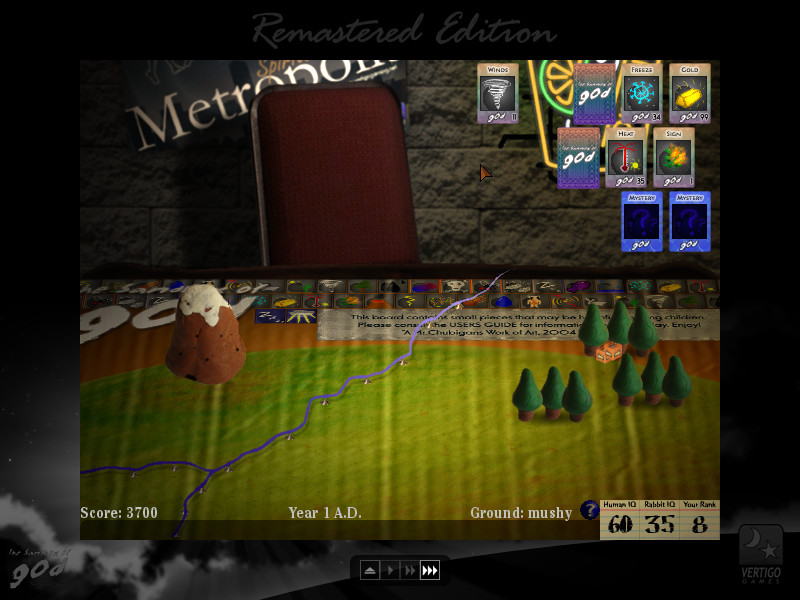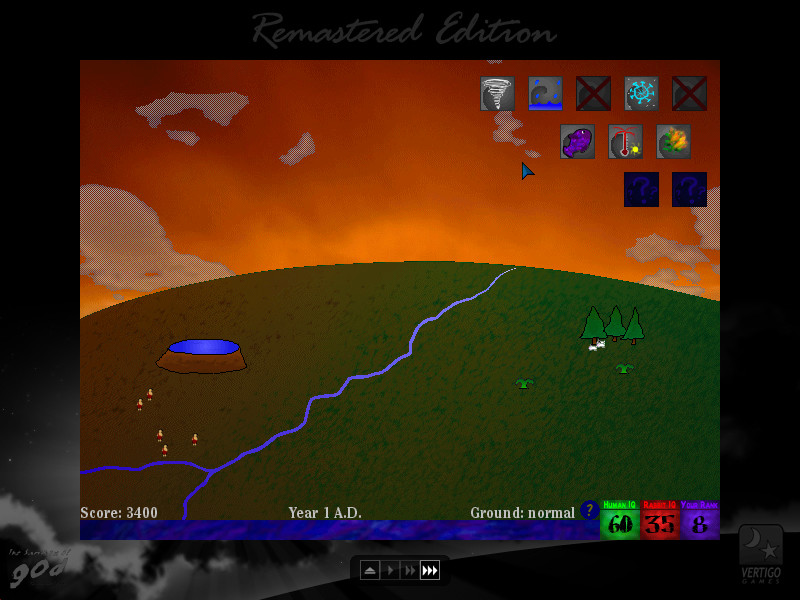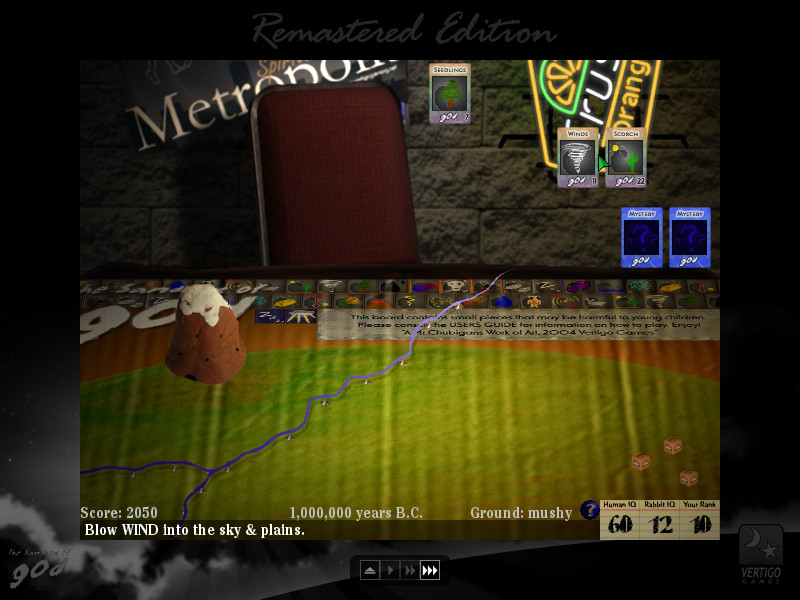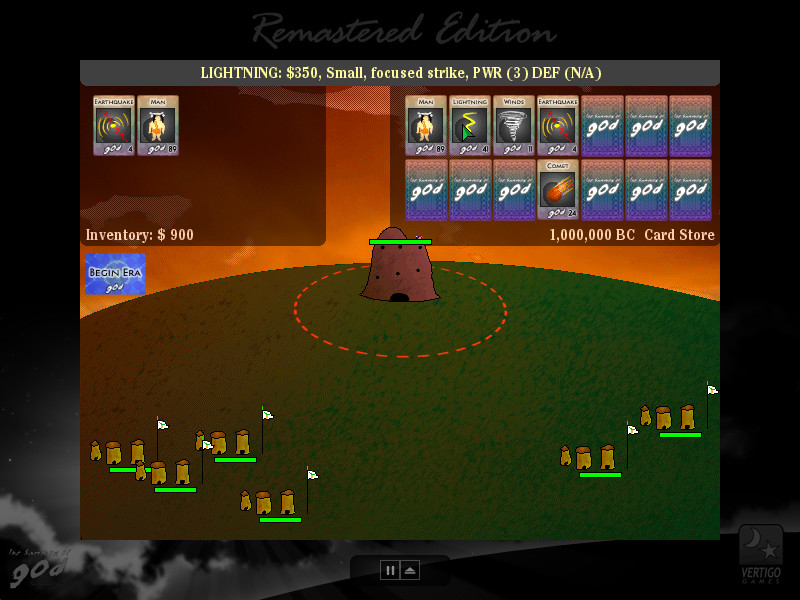
As you progress through the eons of time, you’ll notice that your actions have directly affected the shape of the world simply by the order in which you chose them. By creating the earthquake first, for example, you created a crack in the earth that you could then fill with the flood, which lead to a vast river spanning the planet. But had you done the flood before the earthquake, the ground would not have been dry enough to create the crack, and would have lead to an entirely different landscape. This is just a small example of what your actions do in the Sandbox of God: Remastered Edition, as you start with a selection of actions (such as rain, earthquake, etc.) and must choose the order they are unleashed upon the Earth. Doing these actions in different order can yield new results, and it's up to you to find new ways to shape your world.
But your actions don’t go unnoticed. Create man and give them the tools necessary to thrive, and they will pray to you for guidance…which you can then deliver or ignore, allowing them to choose their own destiny. And rabbits could even learn to pray, too. Whether you listen to them or not is up to you.
NOTE: This is a Legacy release of Vertigo Gaming Inc.'s back catalog titles. Because it is an older game running on newer hardware there may be some unexpected errors. Here's how to solve them:
- If you have an error of "Failed to load the game data, File seems corrupted.", you will need to disable the Print Spooler on your computer, as older GM8 games can have this issue. First, right click on This PC or My Computer and select Manage. Select Services and Applications on the left side bar and then select Services. Double click the "Print Spooler" key and go to the General tab, select Startup Type, then select Disabled. Finally, select Stop below the Service Status and then click Apply. The game should now boot up correctly.
- If the game does not close properly and continues to run on Steam even after exiting the game, you will need to run it in compatibility mode to resolve this issue. Right click the game in your Steam Library, go to Properties, then Local Files, then Browse Local Files. Right click on the main .exe in the folder, and go to Properties. Click on the Compatibility tab, then click the "Run this program in compatibility mode for:" box and select Windows XP, then Apply and OK. Restart your computer, and the game will now correctly close after exiting.