Spirits of Metropolis: Legacy Edition - Steam Pre-Owned Account Lowest Price Starting at   ✓ Change Email ✓ Worldwide ✓ 30-Day Warranty ✓ Instant Delivery

SPIRITS OF METROPOLIS: LEGACY EDITION

Spirits of Metropolis: Legacy Edition - Steam Game Key Lowest Price 50 THB ✓ Worldwide ✓ Add to Own Account ✓ Lifetime Warranty

[SALE] Spirits of Metropolis: Legacy Edition - Steam game key at 50 THB, the lowest price. Instant delivery via automated system 24/7. Receive key within 1-2 minutes. Add to your own game account. Lifetime warranty. Payment via PromptPay, TrueWallet accepted. steam key Spirits of Metropolis: Legacy Edition cheap, steam Spirits of Metropolis: Legacy Edition key best price, steam Spirits of Metropolis: Legacy Edition cd key lowest price, steam Spirits of Metropolis: Legacy Edition activation key, buy steam Spirits of Metropolis: Legacy Edition game key online, steam Spirits of Metropolis: Legacy Edition game code, redeem steam Spirits of Metropolis: Legacy Edition with key, steam Spirits of Metropolis: Legacy Edition license key cheap, steam Spirits of Metropolis: Legacy Edition key global worldwide, steam Spirits of Metropolis: Legacy Edition product key authentic, cd key steam Spirits of Metropolis: Legacy Edition pc, Spirits of Metropolis: Legacy Edition game key cheap 2025, steam Spirits of Metropolis: Legacy Edition digital key, steam key Spirits of Metropolis: Legacy Edition instant delivery, steam Spirits of Metropolis: Legacy Edition key price, buy Spirits of Metropolis: Legacy Edition game key, steam Spirits of Metropolis: Legacy Edition key fast delivery, steam Spirits of Metropolis: Legacy Edition activation code, add to steam Spirits of Metropolis: Legacy Edition account, steam Spirits of Metropolis: Legacy Edition redeem code, steam key Spirits of Metropolis: Legacy Edition asia

PLATFORM

Steam logo STEAM

REGION

GLOBAL

TYPE

CD-KEY

Warranty

Lifetime warranty

0 Sold

0 Views

฿ 50.00
Save 47%

Description

What you will receive

  • - CD Key that can be redeemed to your own account immediately
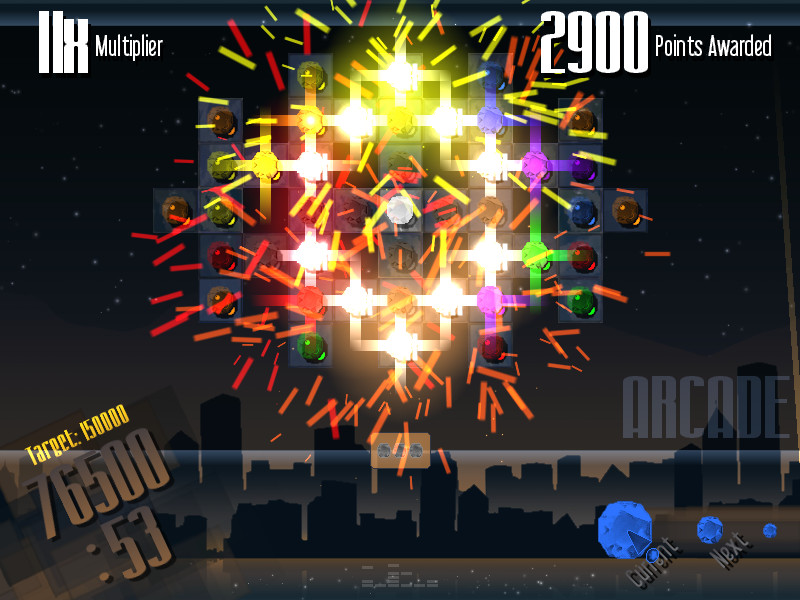
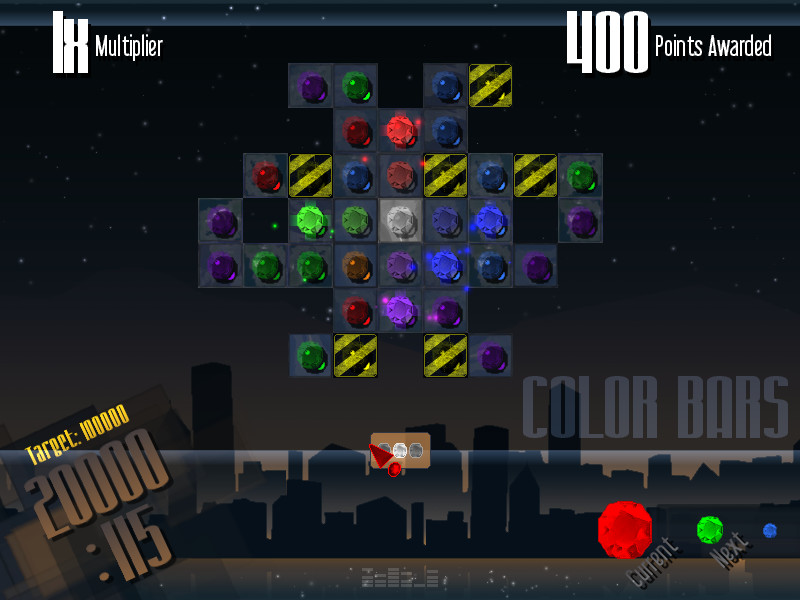
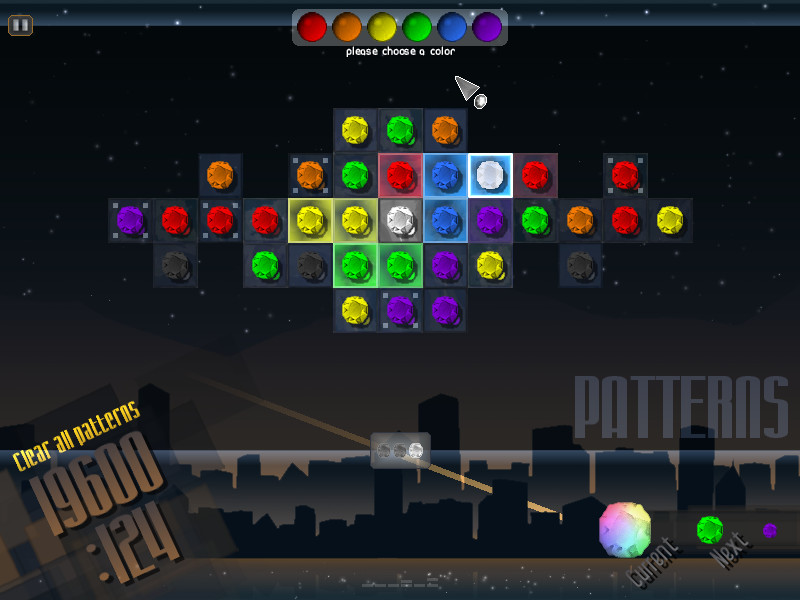
Play Spirits of Metropolis and journey across several constellations as you match together multiple gems to create massive explosions. Spirits of Metropolis gives you total control on when the chaining begins. Match dozens of gems to link huge chains before setting them off…but be weary of the new obstacles you’ll face on each level!

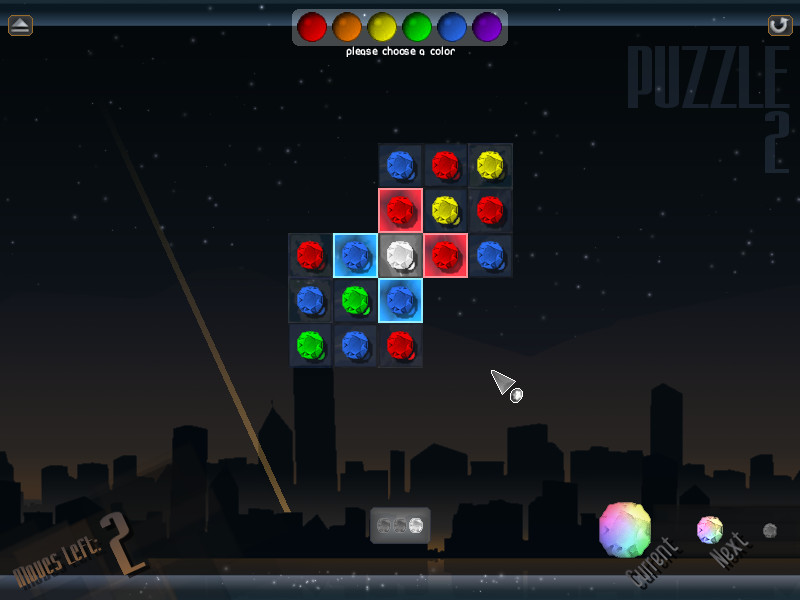
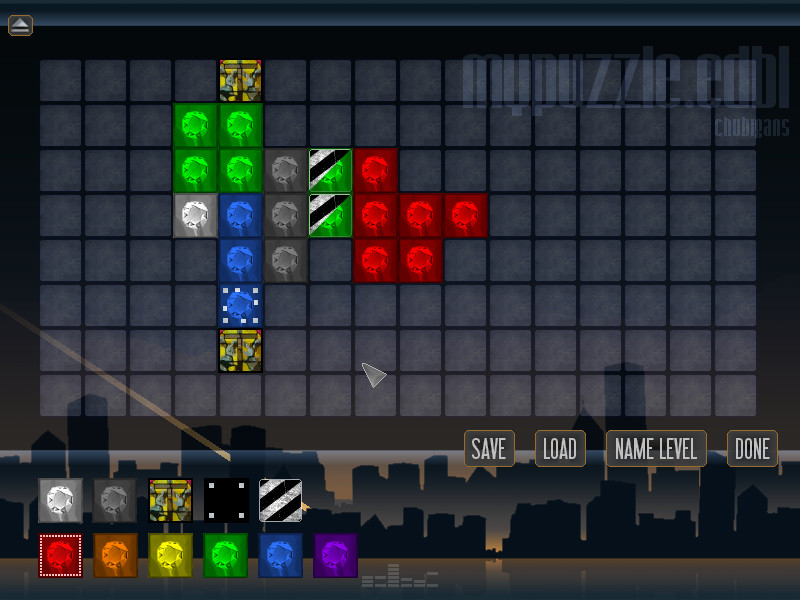
The game includes “Journey,” where you play over 70 levels with branching paths and new modes with every world you unlock. There’s Puzzle Challenges mode, where you can solve over 50 levels of brain-bending puzzles and create your own levels to share with friends. There’s also an unlocking system called “Medals and Milestones” that reward users by simply playing the game or beating certain challenges on the level of your choosing, a Rank Mode that lets users compete for the highest score, and lots more!

The game also features a colorblind editor, where you can change the color values of each gem or use gem shapes for better clarity, as well as support for multiple profiles. Spirits of Metropolis is sure to please both the casual gamer and the hardcore gamer looking for something new and original!

NOTE: This is a Legacy release of Vertigo Gaming Inc.'s back catalog titles. Because it is an older game running on newer hardware there may be some unexpected errors. Here's how to solve them:

  • If you have an error of "Failed to load the game data, File seems corrupted.", you will need to disable the Print Spooler on your computer, as older GM8 games can have this issue. First, right click on This PC or My Computer and select Manage. Select Services and Applications on the left side bar and then select Services. Double click the "Print Spooler" key and go to the General tab, select Startup Type, then select Disabled. Finally, select Stop below the Service Status and then click Apply. The game should now boot up correctly.
  • If the game does not close properly and continues to run on Steam even after exiting the game, you will need to run it in compatibility mode to resolve this issue. Right click the game in your Steam Library, go to Properties, then Local Files, then Browse Local Files. Right click on the main .exe in the folder, and go to Properties. Click on the Compatibility tab, then click the "Run this program in compatibility mode for:" box and select Windows XP, then Apply and OK. Restart your computer, and the game will now correctly close after exiting.